Portfolio of Work
Below are several samples of my work ranging from documentation to tutorials and videos. In addition to what is included below, I have created courses and tutorials within LMSs, which cannot be included here. Additionally, I have created numerous trainings which are listed at the bottom of this page.
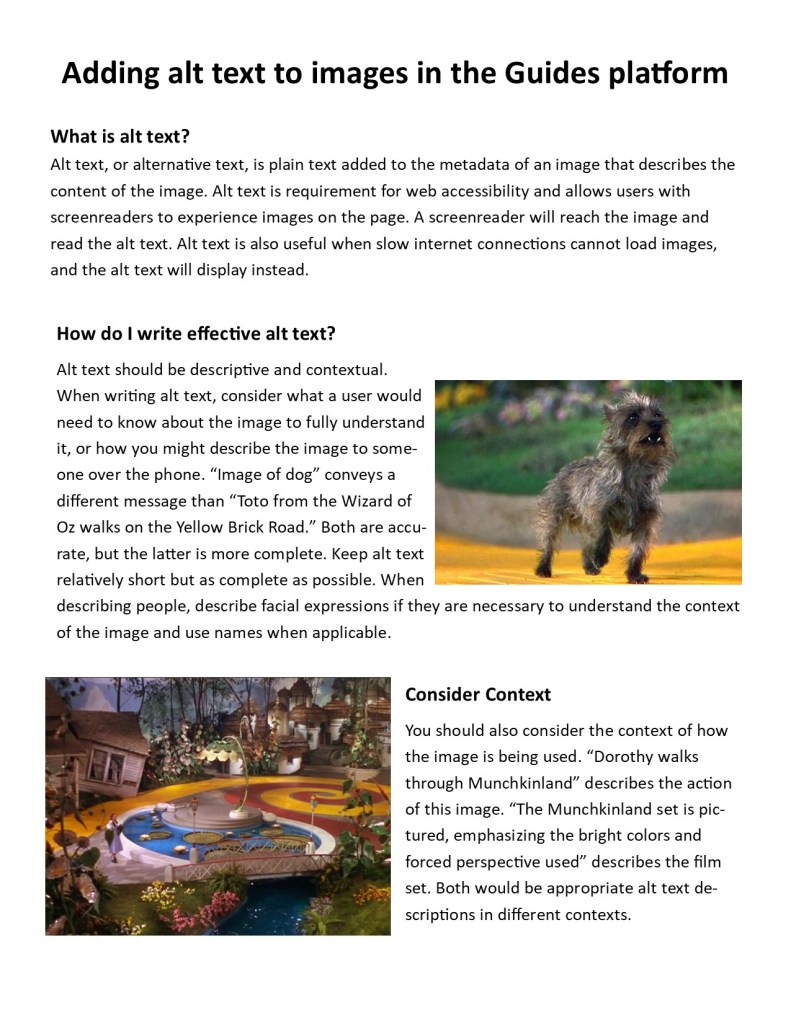
Alt Text Best Practices
For this project, I was tasked to create a quick and easy-to-understand document for users to add to alt text to their images in Springshare’s LibGuides platform, as well as how to write effective alt text.
Instructional Videos
The two videos linked to the left are instructional videos created for users of library databases. I created both videos using Camtasia and both are focused on instructing new users on how to use databases most effectively. The first video covers how to access and select a database, as well as the technical elements of searching within a database. The second video instructs users how to break down a conceptual idea into a concrete search strategy. The video emphasizes how to create keywords to search in a database and why it is important. The videos were created as part of a train-the-trainer model and live within online guides and an asynchronous tutorial.
Hybrid Tutorial
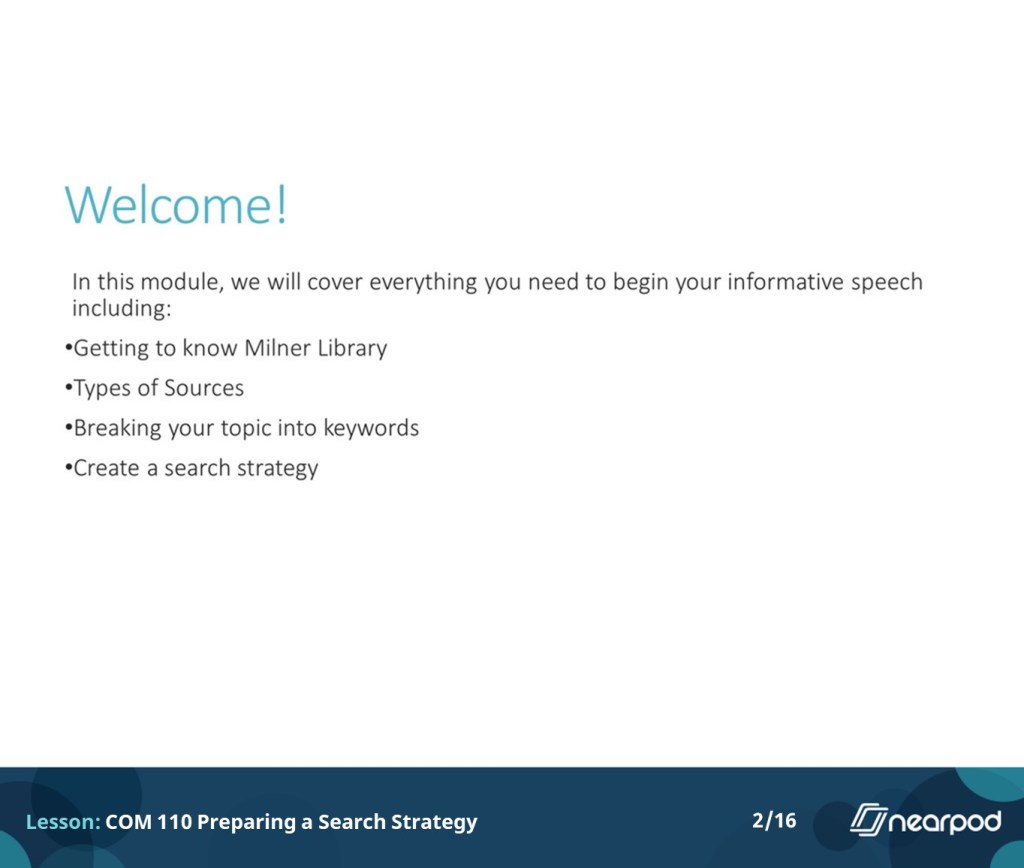
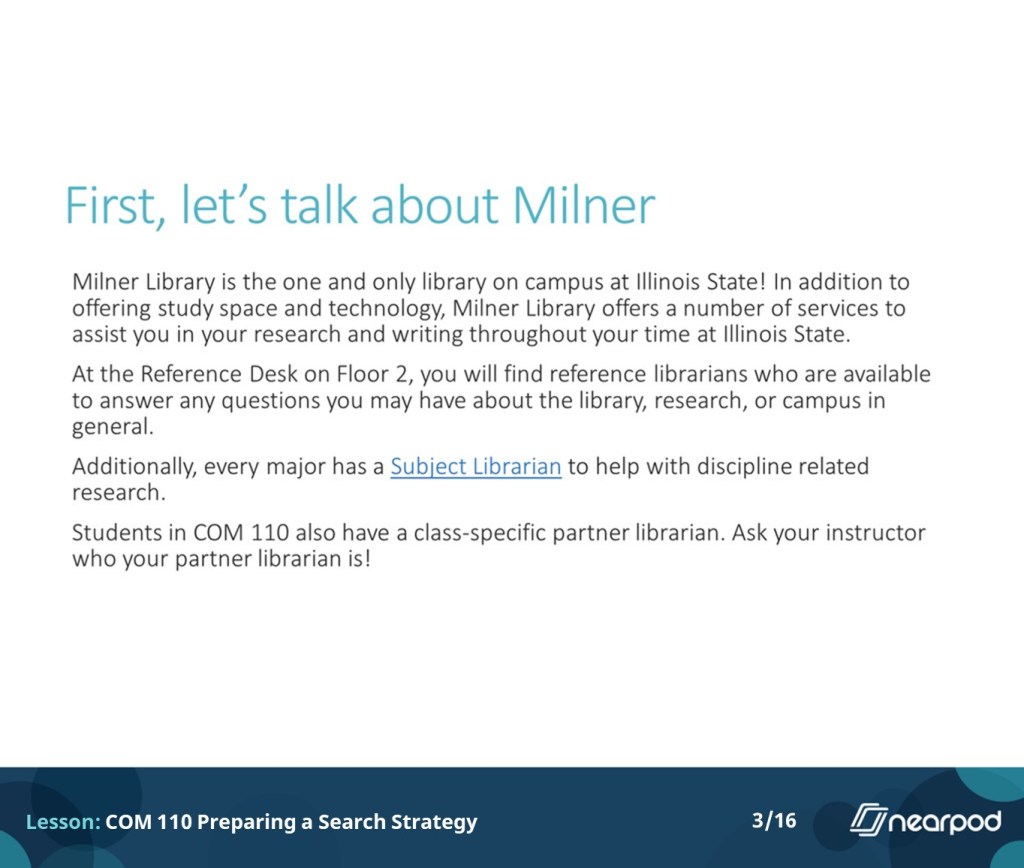
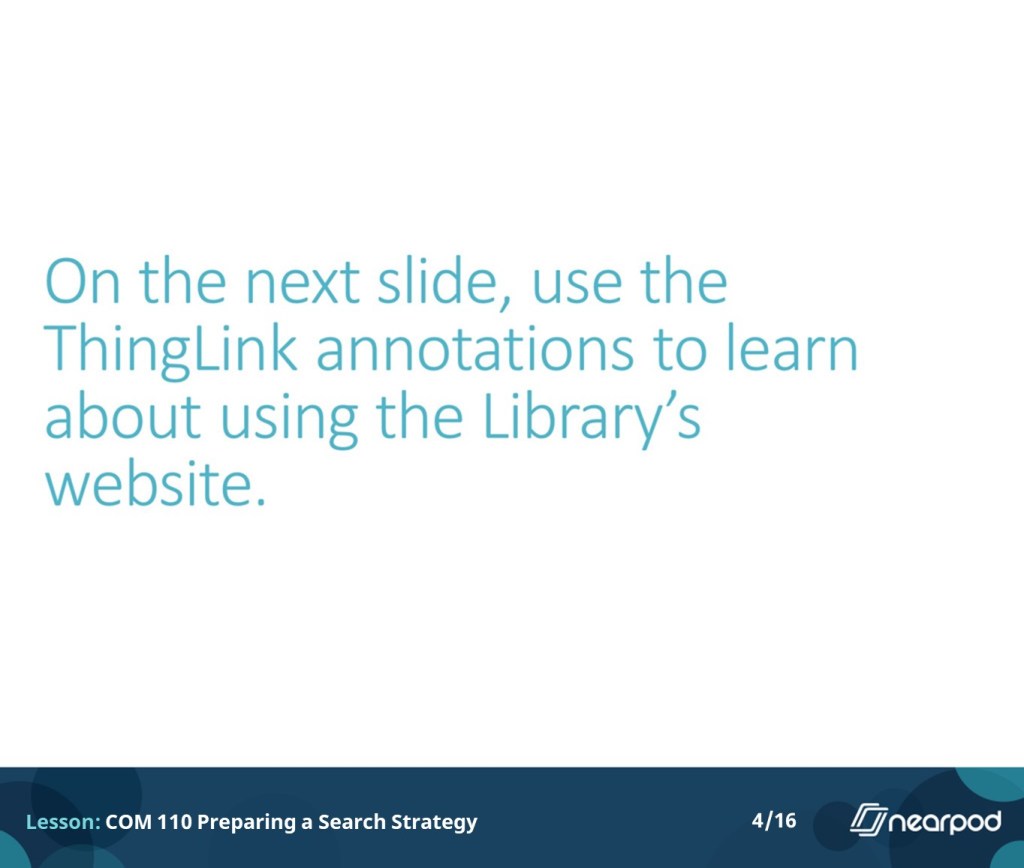
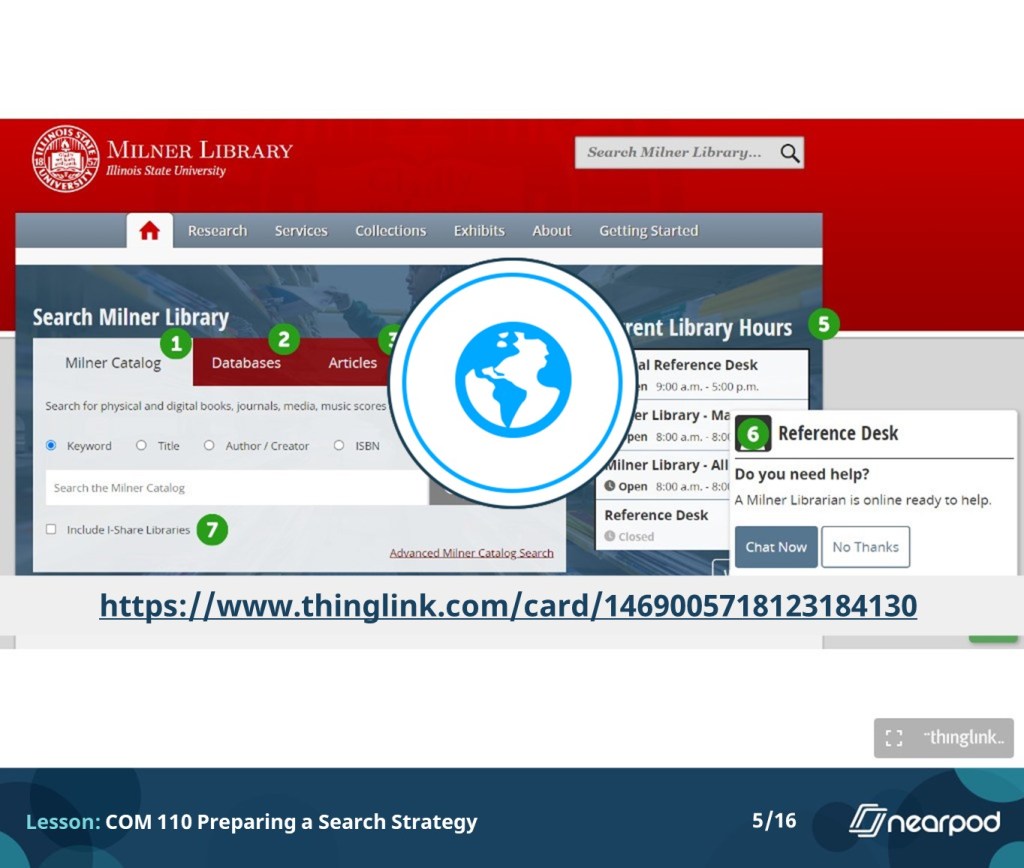
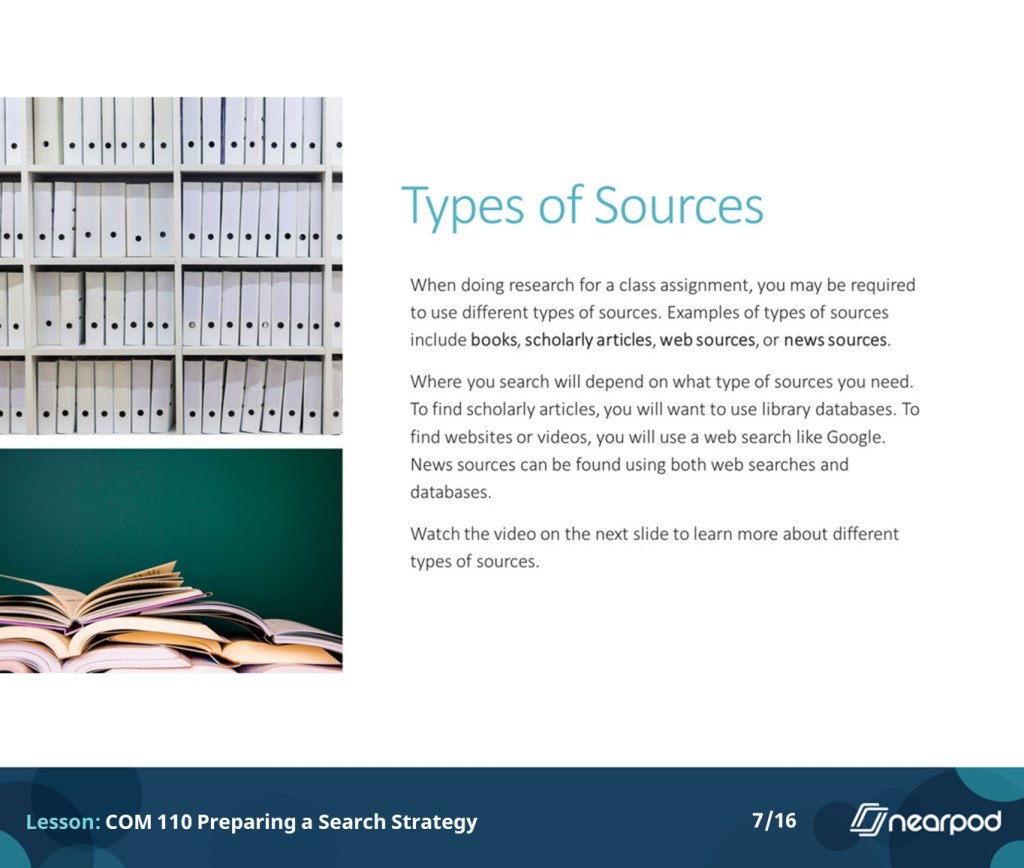
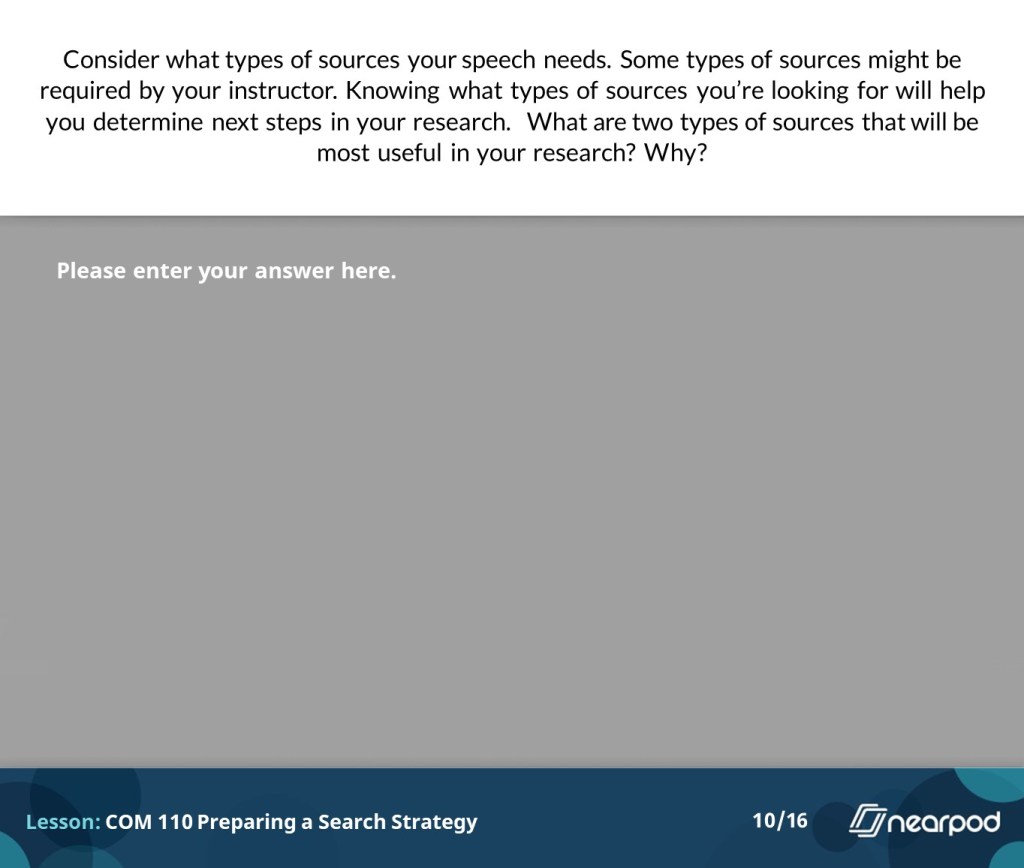
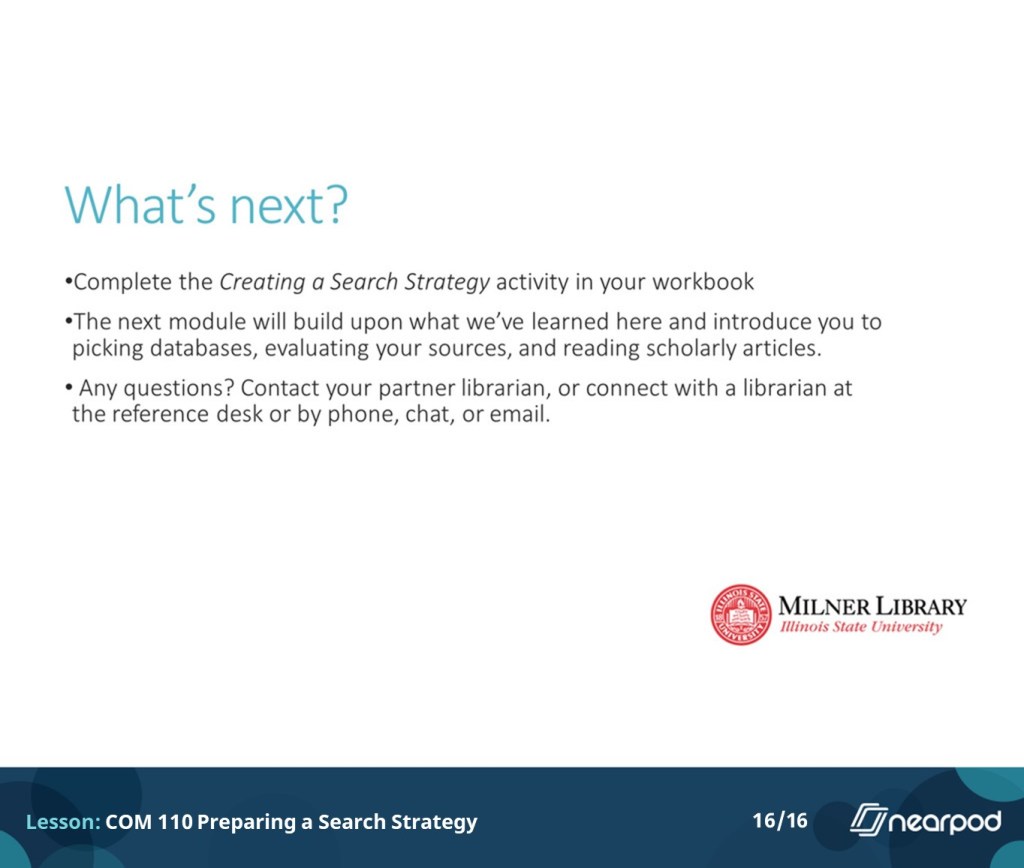
The slides below are a downloaded version of a hybrid style tutorial I created using Nearpod. Nearpod is similar to e-learning authoring softwares such as Articulate Rise and Adobe Captivate, and allows users to create interactive tutorials. The tutorial here includes several elements such as videos, quizzes, and discussions. The tutorial can be used asynchronously by students on their own time, or broadcast live by the instructor for a lesson that feels more like an interactive lecture.






Virtual Tour
The virtual tour below, which I created using ThingLink, serves as an instructional tool to blend the online experience and the in-person experience of library users. Each hotspot on the map describes what users will find in that area of the physical space and links to a custom search in the library catalog for users to search just within that physical area. This attempts to mimic in-person browsing in the online space and gives users a way to know what to expect on the shelf when they get there.
Staff Training
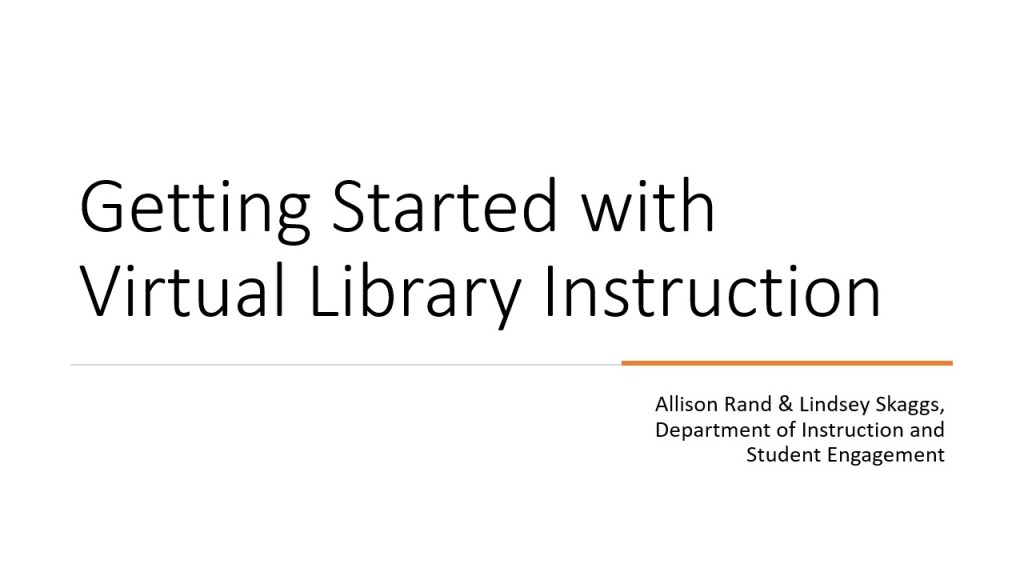
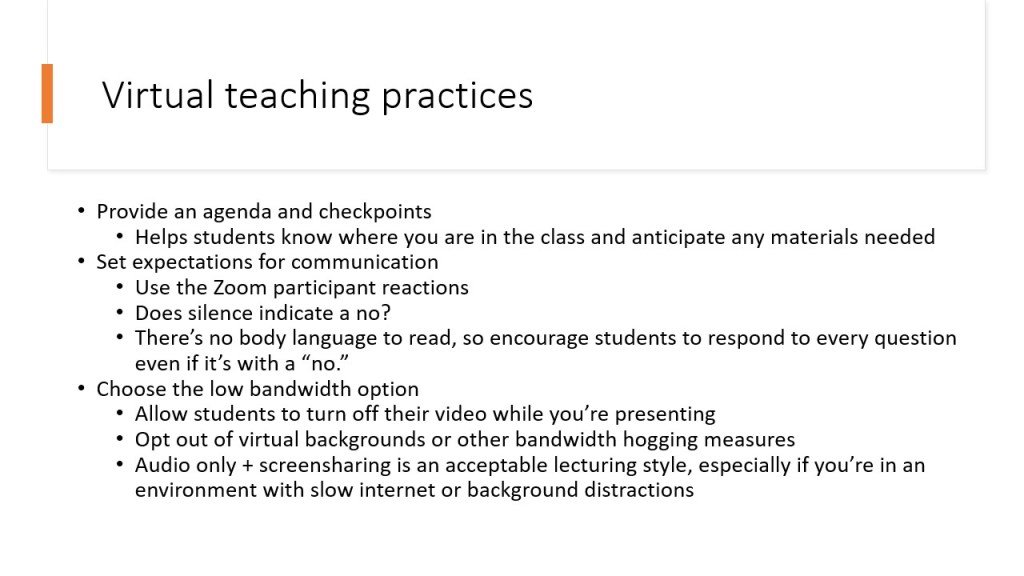
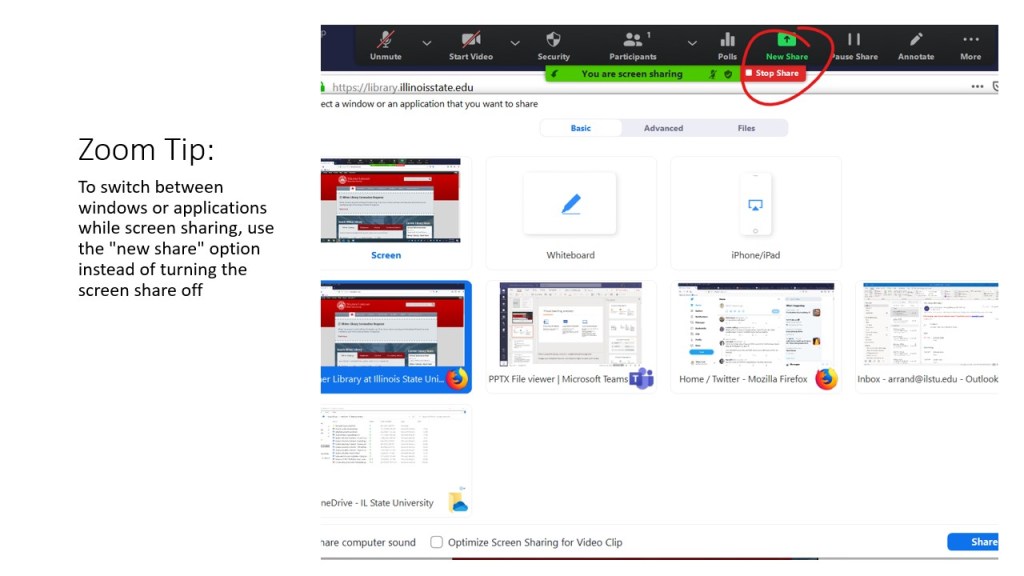
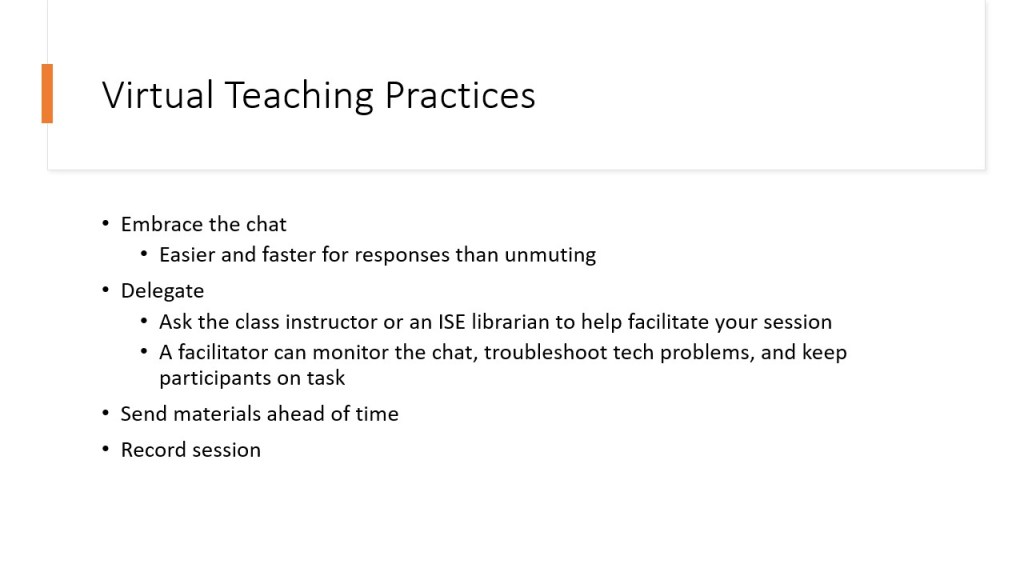
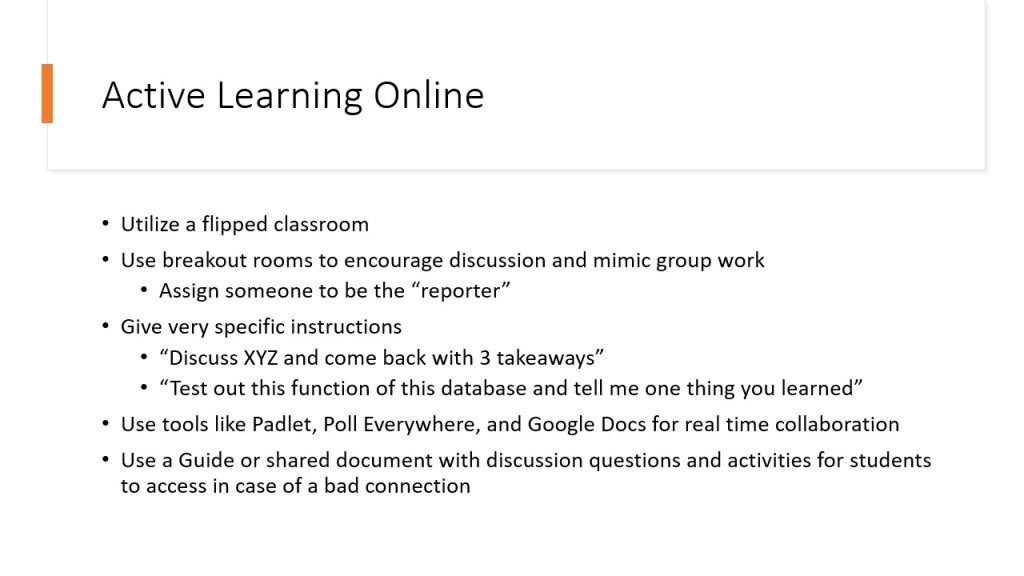
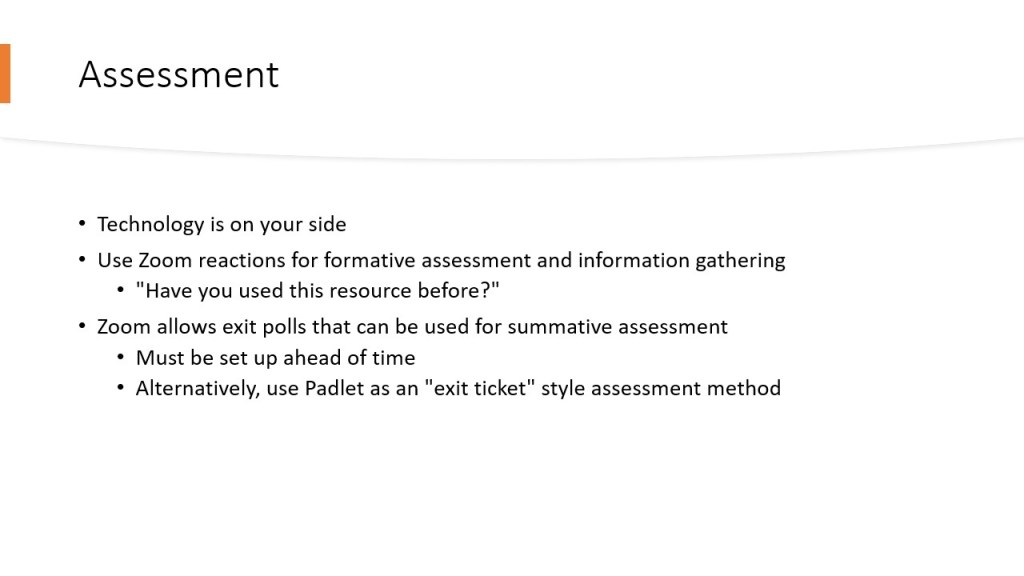
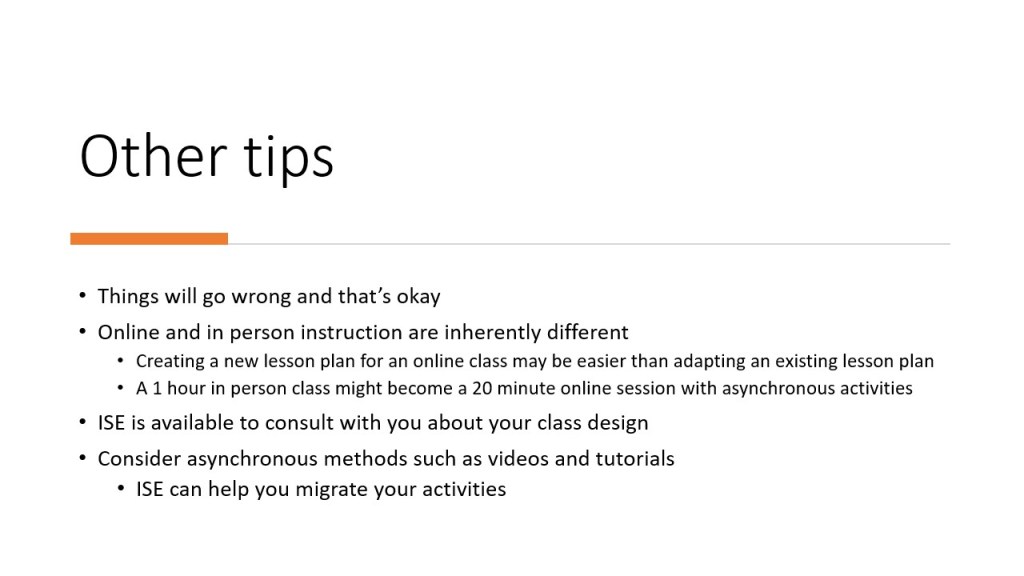
The slides below are from a training I provided in August 2020 to introduce librarians to teaching in a virtual environment. Outcomes for this session were:
- Participants will become better informed on technical and pedagogical methods for facilitating online library instruction
- Participants will learn about additional ways of using Zoom features for library instruction
While this training session was extremely basic, it was critical for librarians to learn to teach online during the pandemic, and most librarians had never taught online previously. This training session was the foundation for teaching for the 2020-2021 academic year and beyond.


Staff Trainings Developed and Delivered
- Fostering Academic Integrity, ISU Center for Teaching, Learning and Technology
- Virtual Teaching Using Zoom, ISU Milner Library
- Active Learning in Library Instruction, ISU Milner Library
- Microsoft Teams for Libraries, ISU Milner Library
- Deconstructing Diversity: Creating Inclusive Classrooms, Park University Faculty Center for Innovation
- A Primer on Inclusive Language, Park University Faculty Center for Innovation
- Classroom Accessibility and Inclusivity, Park University Faculty Center for Innovation
- Creating Inclusive Syllabi, Park University Faculty Center for Innovation
- Frames of Reference: (Re)Framing Scholarly Concepts, Park University Faculty Center for Innovation
Additional teaching experience listed in CV and available upon request.
 Allison Rand